
PLATFORM · FEATURES
Features
Comprehensive suite of specialized tools for geospatial analysis and visualization
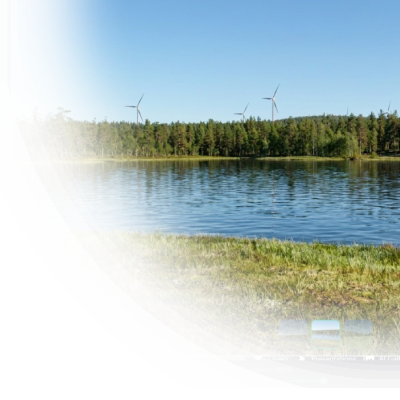
AI-Enhanced Rendering
Transform 3D map views into stunning, marketing-ready photorealistic visualizations.
Designed for Everyone
The full Vistra experience on a phone — every viewer tool, swipeable panels, and the same map interface as desktop.
Accessibility
Adjustable text size and a high-contrast mode keep Vistra readable for everyone — in any light, on any device.
Storytelling
Craft compelling narratives with your geospatial data with presentation tools.
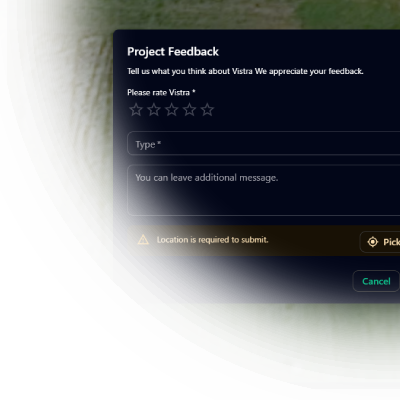
Stakeholder Feedback
Gather stakeholder feedback directly within the context of your 3D maps.
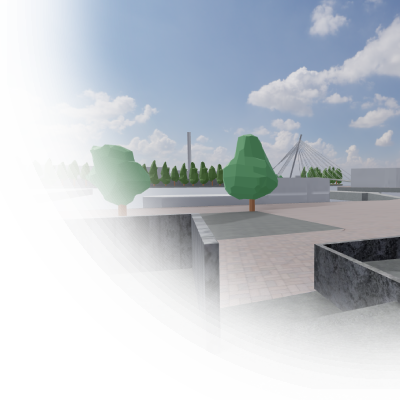
Immersive experiences
Game-like walkthroughs inside detailed 3D scenes offer stakeholders a lightweight, first-person navigation experience.
Hybrid 2D/3D Visualization
Seamlessly switch between 2D and 3D views of your geospatial data.
Viewshed Analysis
Determine visible areas from any point in your 3D scene.
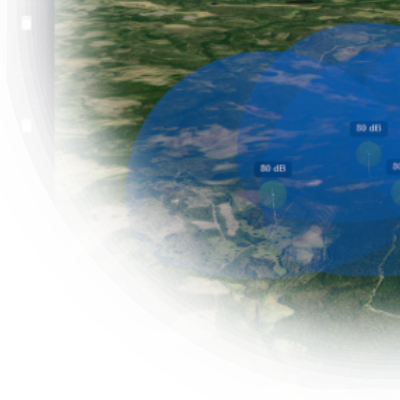
Noise Visualization
Reveal the hidden soundscape of your 3D environment. Visualize noise in easy-to-understand way.
Editing and Management
Orchestrate your entire geospatial ecosystem from a single, intuitive interface.
Urban Air Mobility Planning
Plan drone operations and urban air mobility — UAS zones, flight corridors, and vertiports in 2D and 3D.
Wind Turbines
Deploy realistic wind turbines with animated rotors for stunning presentations.
Powerline Modeling
Bring powerlines to life with realistic sag and configurable pole types.
Cloud Storage and Processing
Store, manage and share your data securely in the cloud.
Measurement Tools
Essential tools for planning and evaluating geospatial projects.
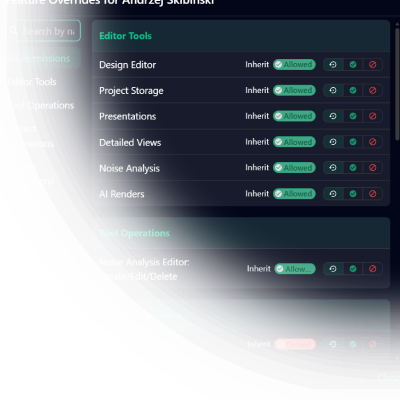
Roles & Permissions
Organization and project roles with per-user and per-role feature overrides — the right access for every team member.
Project Access Modes
Choose how every share link opens your project: private, password-protected, or fully public.
Defense-in-Depth Security
Row-level data isolation, hardened public forms, and secured invitations protect sensitive geospatial assets end-to-end.
Public Sharing and Collaboration
Easily share your projects with stakeholders and the public with flexible access controls.
Large-Scale 3D Tiles
Stream massive 3D Tiles tilesets — city models and detailed infrastructure — directly in your 3D views.
360° Panoramas
Anchor immersive equirectangular panoramas to real-world locations and step inside them.
Terrain & Elevation Data
Ground every design in accurate elevation with DEM-based 3D terrain.
Data Sources & Import
Import GeoJSON, KML, Shapefile, CSV, JSON, and ED-318 data with a guided wizard.
Data Presets
Curated presets let you add ready-to-use data sources with a single click to kickstart your project.
Live Data Sync
Keep map layers current with automatic refresh from live URLs and APIs.
Rich Info Panels
Attach rich content — text, images, video, and links — to any location on the map.
First-Person Walk Mode
Explore your 3D map on foot — eye-level, first-person navigation directly on the globe.
Interactive Map Actions
Turn map objects into interactive elements — click a marker to fly the camera, look around, or open a link.
Have a project that needs a clearer picture?
Let's explore how Vistra can help you evaluate it and bring the right people into the conversation.